Eval-driven receipt extraction
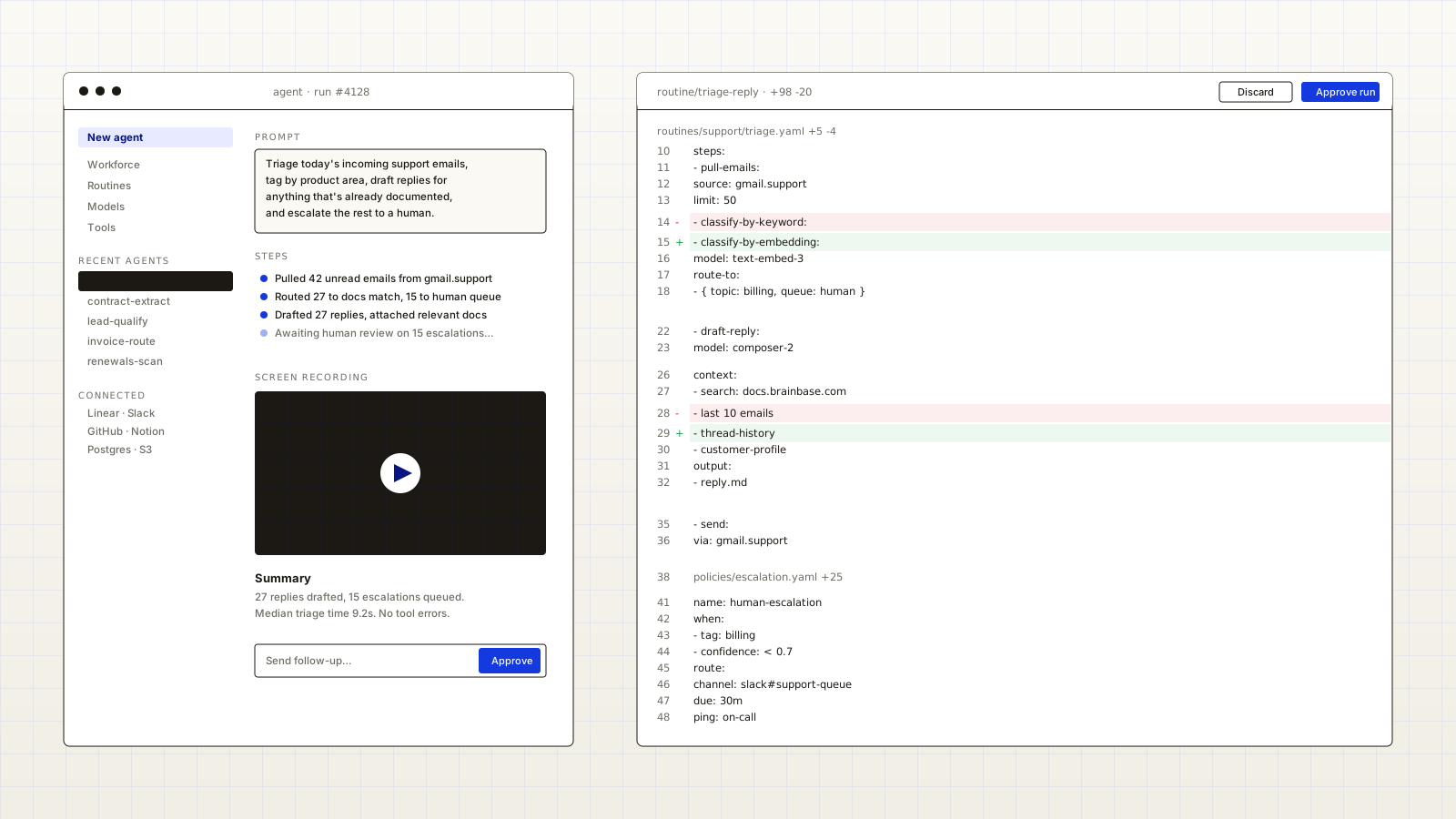
Receipt extraction looks like a vision problem until you actually try to ship it. The hard part isn't the model — it's deciding, in code, when an extraction is good enough to skip human review. This tutorial walks through building the agent, then layering an eval harness over it so the decision stops being a vibe and starts being a number.
What you'll build
- A Brainbase agent that takes a receipt image and returns structured line items.
- A set of evals that score each extraction on completeness, type-correctness, and total-line accuracy.
- A small dashboard view that shows how the score moves as you change the prompt or swap the model.
- A safe-rollout switch so the agent's output is only trusted when the eval score clears a threshold.
1. Shape the output
Pin the output shape before you touch the model. A flat list of line items is enough for most workflows — description, quantity, unit_price, total — plus a top-level subtotal, tax, and grand_total.
export const ReceiptSchema = z.object({
  merchant: z.string(),
  purchased_at: z.string(),
  line_items: z.array(
    z.object({
      description: z.string(),
      quantity: z.number(),
      unit_price: z.number(),
      total: z.number(),
    })
  ),
  subtotal: z.number(),
  tax: z.number(),
  grand_total: z.number(),
});
Use this schema for two things: as the agent's output_schema, and as the contract your evals score against. Drift between them is the most common source of "passes evals, breaks in production" surprises.
2. Write the agent
Create the agent through the API. The prompt stays short and pushes everything structured into the schema; tweak only the prompt as you iterate, never the schema.
curl --request POST \
  --url https://api.brainbaselabs.com/v2/agents \
  --header 'Authorization: Bearer YOUR_API_KEY' \
  --header 'Content-Type: application/json' \
  --data '{
    "title": "Receipt extractor",
    "instructions": "Extract every line item exactly as printed. Do not infer items, totals, or taxes that are not visible. Return null for fields you cannot see.",
    "runtime_kind": "vision",
    "output_schema_ref": "schemas/receipt.v1.json"
  }'
3. Collect evals
You need ~30 receipts to start. Pick them deliberately: 10 boring ones, 10 with edge cases (multiple pages, faded ink, foreign currency), and 10 that previously broke in production. Annotate each one with the ground-truth JSON.
from brainbase import Eval, Suite

def line_item_recall(run, ground_truth):
    predicted = {item["description"] for item in run.output["line_items"]}
    actual = {item["description"] for item in ground_truth["line_items"]}
    return len(predicted & actual) / max(len(actual), 1)

def total_within_one_cent(run, ground_truth):
    delta = abs(run.output["grand_total"] - ground_truth["grand_total"])
    return 1.0 if delta < 0.01 else 0.0

suite = Suite(
    agent_id="ag_01HC2K8...",
    dataset="datasets/receipts.v1",
    evals=[
        Eval("line_item_recall", line_item_recall, threshold=0.95),
        Eval("total_within_one_cent", total_within_one_cent, threshold=0.98),
    ],
)
Run the suite once to set a baseline. Whatever it returns is your starting line — every subsequent change is measured against it.
4. Iterate with structured scores
Now you can change one variable at a time and read the score. Pick the eval that's worst and decide whether it's an instruction problem, a model-capability problem, or a dataset problem.
- Instruction problem: rewrite the relevant sentence in the agent's instructions. Re-run.
- Model problem: swap to a stronger vision model. Re-run. If the number jumps and cost is acceptable, ship the model.
- Dataset problem: the eval is wrong, or you're holding the model to a standard humans can't meet. Loosen the eval or fix the ground truth.
5. Ship it behind a flag
In production, route every run through the same eval gate before trusting the output. The agent stays the source of truth for "what's on the receipt"; the eval gate decides whether a human should still look.
run = client.runs.get(run_id)
scores = suite.score(run)

if scores["line_item_recall"] >= 0.95 and scores["total_within_one_cent"] >= 0.98:
    mark_processed(run)
else:
    enqueue_for_review(run, reason=scores)